Like any other well-respected geek, I would love to have many computers all around me. However, money constraints make that hard, yet it’s still possible to have extra machines around… if they are virtual.
For those unfamiliar with the concept, virtualization is exactly what it sounds like: an entire computer is created in software, possibly with some help from the hardware. In practice, what this means is that you are able to have a “computer in a window,” as if it were any other program. The actual physical computer is called the host, and the virtual machine is called the guest. Note that virtualization is radically different from emulation; the former takes place when the host and the guest share their architecture (e.g. x86/amd64), the latter implies that they are different (e.g. a PowerPC host with an x86 guest.)
A very retro-futuristic word to describe the virtualization software on the host is hypervisor. Go figure.
My host of choice is, as it should be clear by now, MacOS X. As for my hypervisor, I like Oracle’s VirtualBox. It lacks Bootcamp support and is less polished than its commercial cousins, but it is distributed for free. With the current state of affair, that’s nice. Besides, I only need it for the occasional Windows test and for Unix-like guests, so I don’t have to rely on any fancy 3D acceleration (which VirtualBox apparently supports, anyway.) One last thing to note: VirtualBox runs on MacOS X, Linux, Windows and Solaris. I am going to refer to its OS X version, even though it shouldn’t be that different on other platforms.
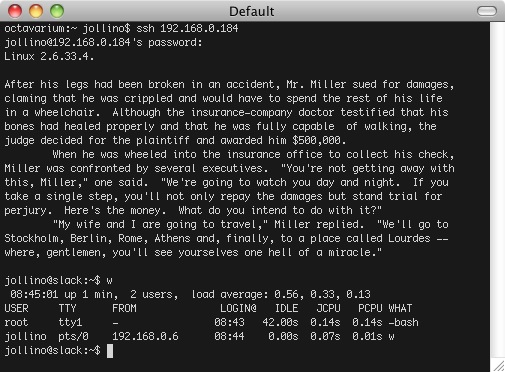
Let’s get to the point. When you run a virtual machine (VM from now on) you usually get the “computer in a window” I described earlier. That’s great for graphical operating system such as Windows or Linux with X, but if you are running a text-only system such as Linux without X, what’s the point? You could save precious CPU and GPU time on your host by not having it display anything, effectively by running in the background, and accessing the VM through SSH or something similar. That’s when you want to use a headless VM.
Running it is astonishingly simple. VBox gives specific terminal commands to handle any aspect of the VMs. A list of available VMs can be obtained as follows:
octavarium:~ jollino$ VBoxManage list vms

Oracle VM VirtualBox Command Line Management Interface Version 3.2.6

(C) 2005-2010 Oracle Corporation

All rights reserved.
"Windows 7" {933835d0-d0d8-4bfc-83bc-85531e756cdd}

"Slack" {3a4f9f6a-da6b-40b5-8f4d-850937ffcd21}

"Debian" {2a0647aa-6444-4429-b022-42e76ee1bade}
The string in quotes is the human-readable name (that the user chooses when creating the VM), and the funny numbers are a unique ID for that machine.
Starting any of them in headless mode is as simple as running the VBoxHeadless command:
octavarium:~ jollino$ VBoxHeadless -s Slack &

[1] 425

octavarium:~ jollino$ Oracle VM VirtualBox Headless Interface 3.2.6

(C) 2008-2010 Oracle Corporation

All rights reserved.
FreeTSD: failed to destroy key: Undefined error: 0

VBoxHeadless(425,0xb058b000) malloc: *** error for object 0x11c700: double free

*** set a breakpoint in malloc_error_break to debug

Listening on port 3389.
Note that it doesn’t fork to the background by default. Forcing it to do so avoids abruptly stopping the VM should the terminal itself be accidentally closed. The errors mentioned are harmless.
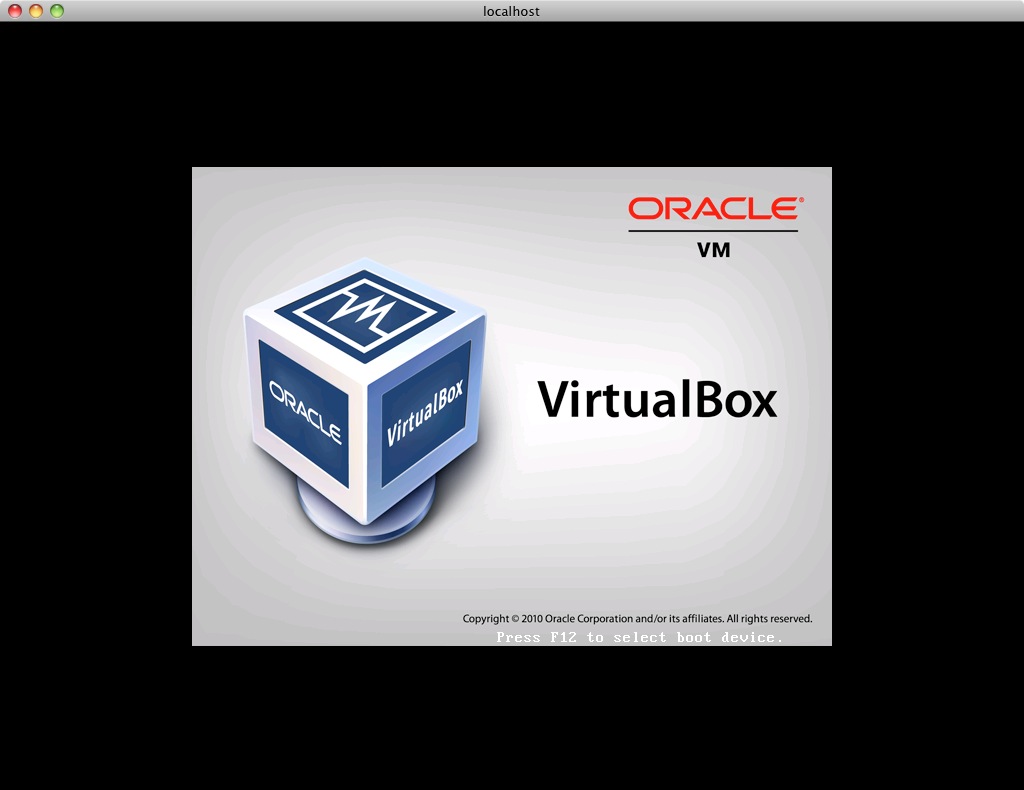
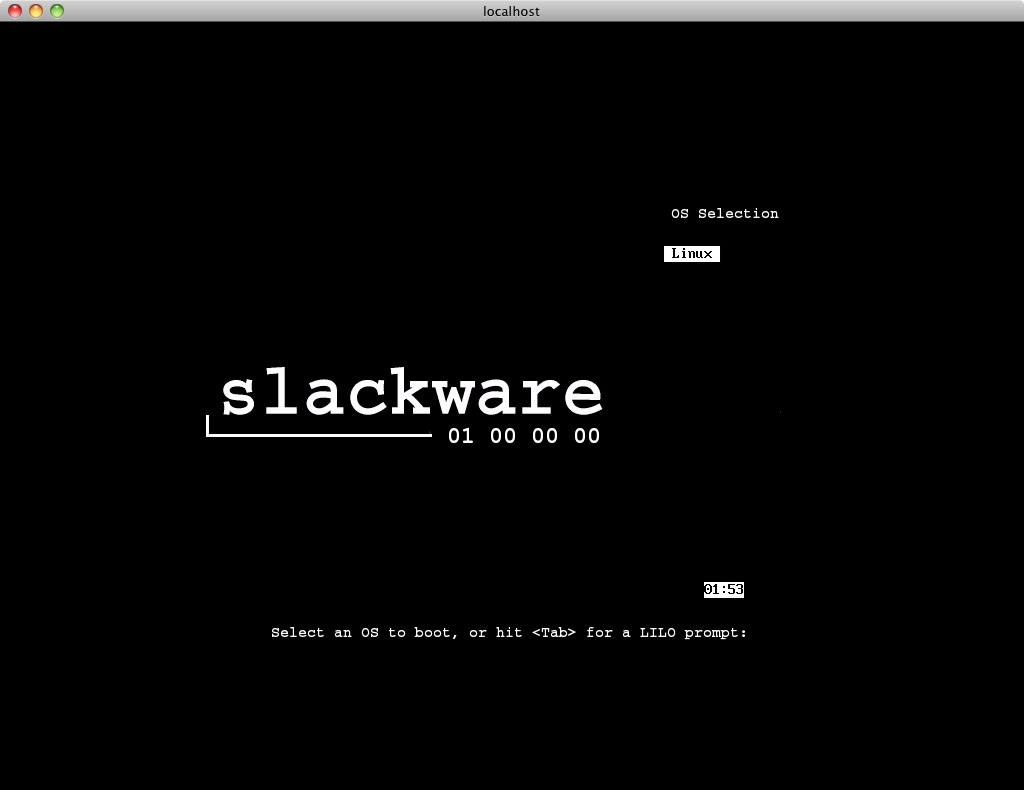
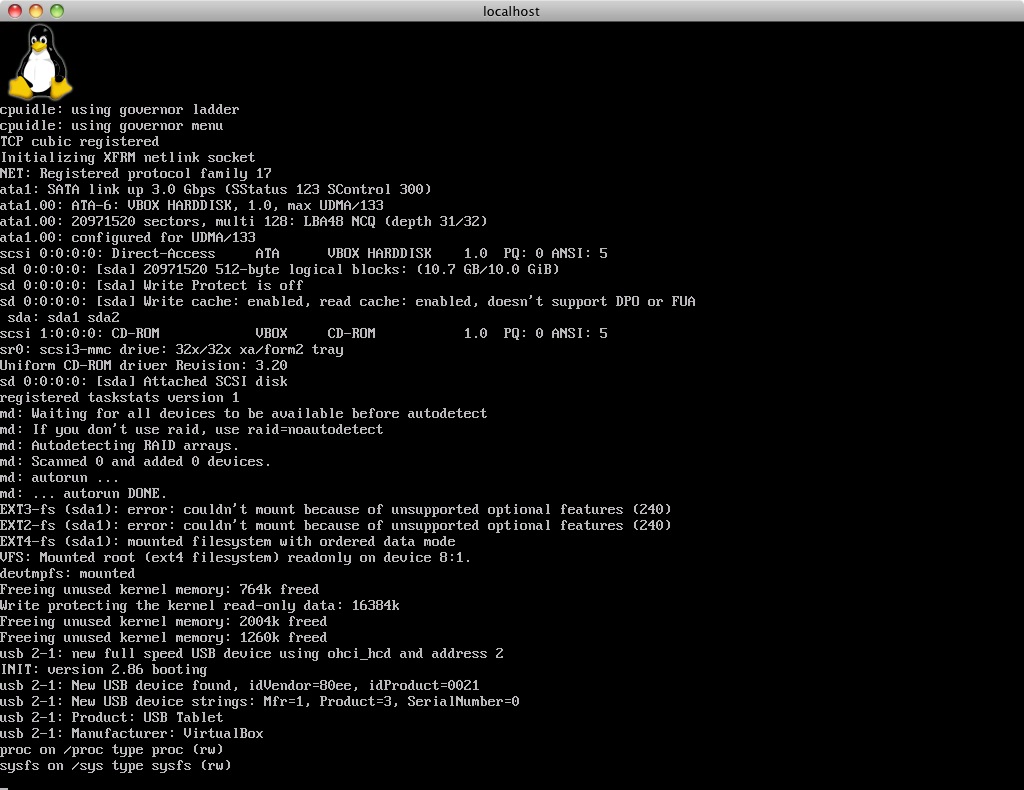
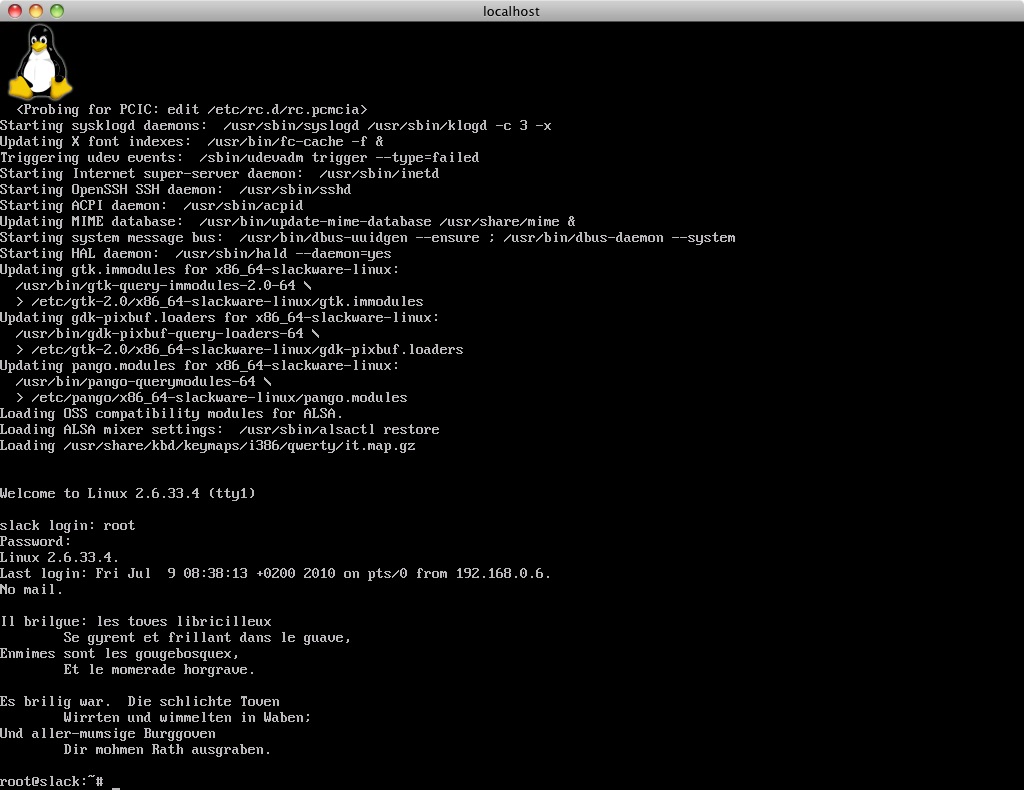
If you need the “computer in a window” function, you can access the VM by using any RDP client and having it connect to port 3389 on the host. On OS X, I suggest CoRD. It’s important to make sure that the RDP client’s configuration matches the video output of the VM. I stumbled on this at first: CoRD expected a 1280 x 1024 screen, but the Linux console was set to 1024 x 768. This led to weird visual glitches, since VBox doesn’t seem to correctly communicate the screen resolution to the RDP client. The nice thing is that the RDP pipe is active even when the machine rebooting, because it’s handled by VBox itself.
Of course, if you run a VM in headless mode, you’ll typically only use RDP when needed. SSH works just as fine, and trust me, the whole thing feels faster without a chunky VM window in the way!